To access your online banking account, follow the instructions below.
2. Click the "LOGIN" box on the right side of the screen. (Users have to click the login box for it to expand).

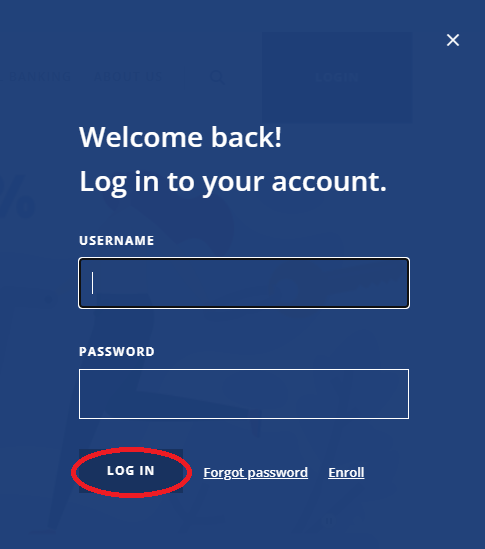
3. Type in your username and password. Next, click, “LOG IN.”

 Here for you since 1944.
To access your online banking account, follow the instructions below.
3. Type in your username and password. Next, click, “LOG IN.”